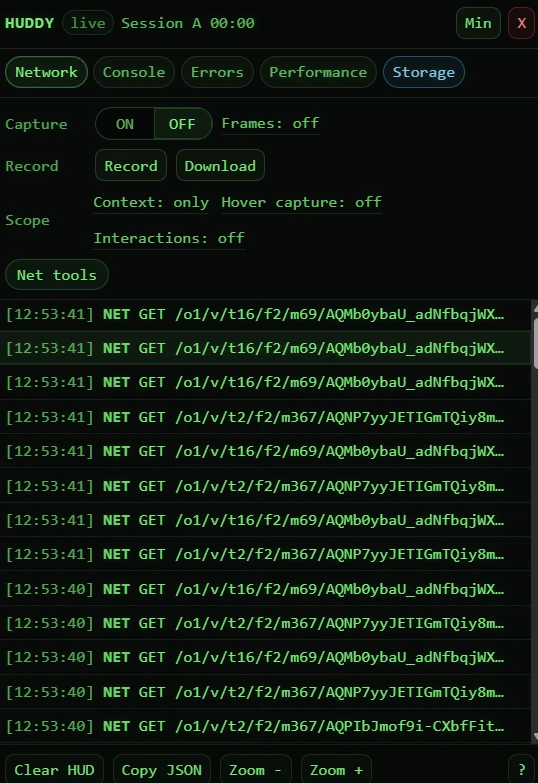
Live tabs
Network, Console, Errors, Performance, and Storage in one floating HUD.
 HUDDY
HUDDY
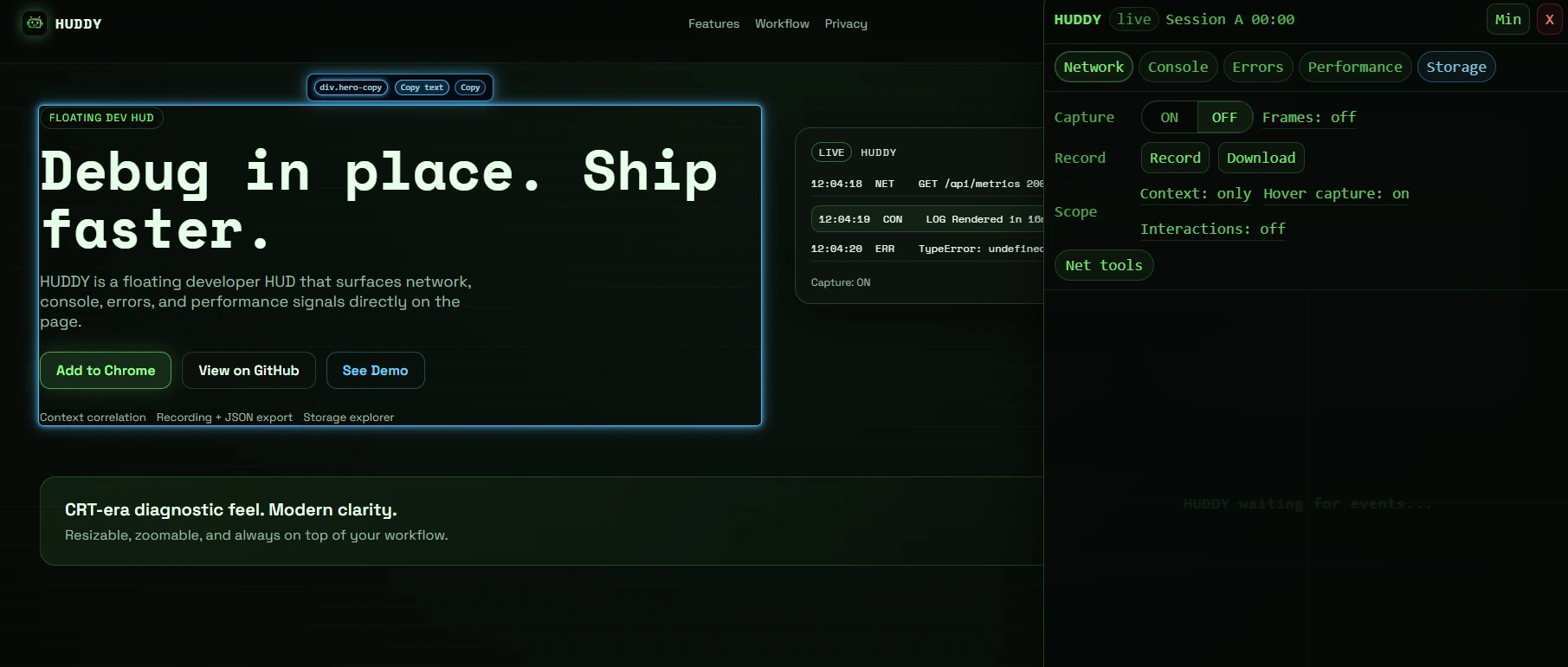
HUDDY is a floating developer HUD that surfaces network, console, errors, and performance signals directly on the page.
Everything you need to debug fast, without leaving the page.
Network, Console, Errors, Performance, and Storage in one floating HUD.
Filter events to your last click or hover with context on/only.
Capture network and console data and export JSON when you need it.
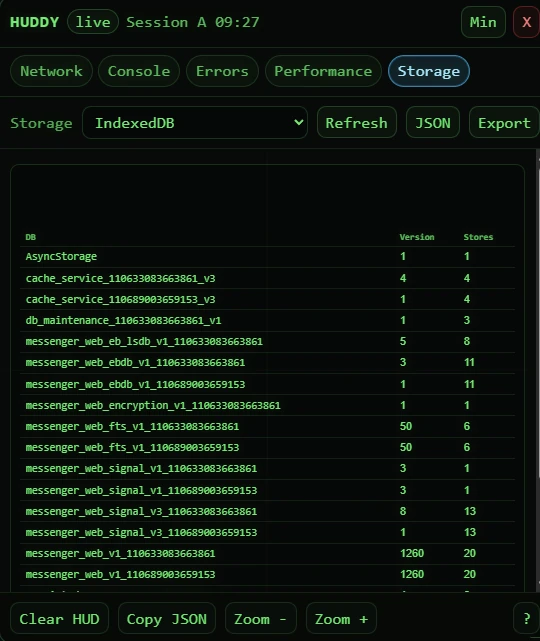
Read localStorage, sessionStorage, and IndexedDB in JSON or table mode.
Inspect DOM elements in place with a neon outline and quick copy actions.
Resize, zoom, and persist your HUD layout across sessions.
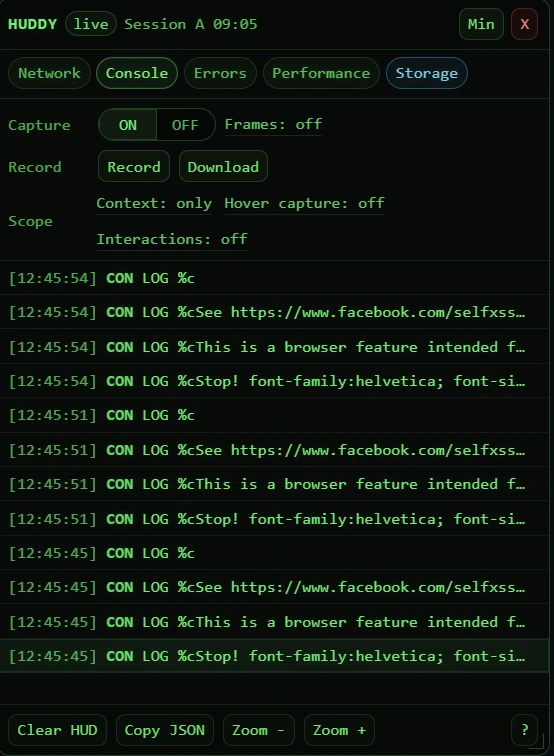
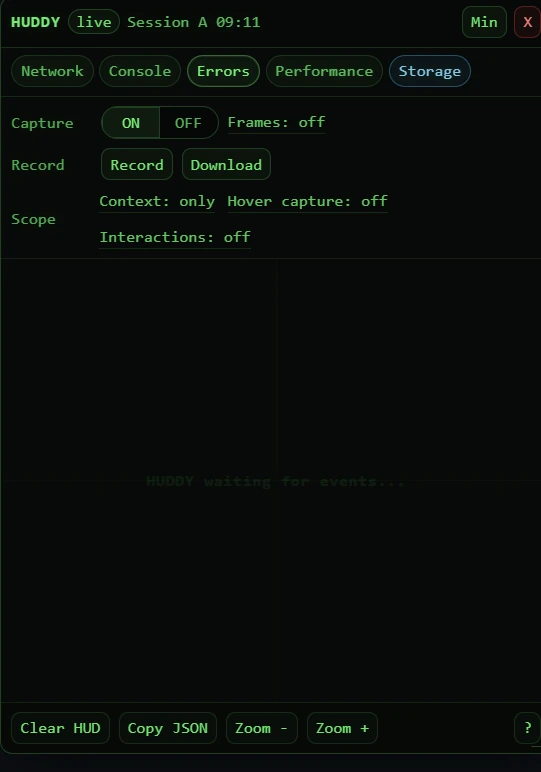
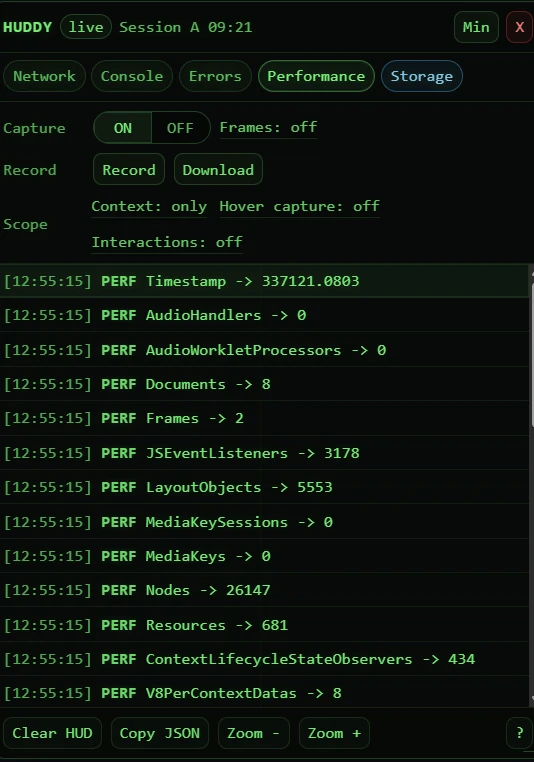
Capture, inspect, record, export. Repeat.
Turn capture on to stream events in real time.
Click a row to open Request or Response details.
Record sessions to collect debugging evidence.
Export JSON for sharing, audits, or postmortems.
HUDDY runs locally. It does not send data to any server. Data is only exported when you choose to download it.